Smart Locks vs Traditional Deadbolts: Which is Right for You?
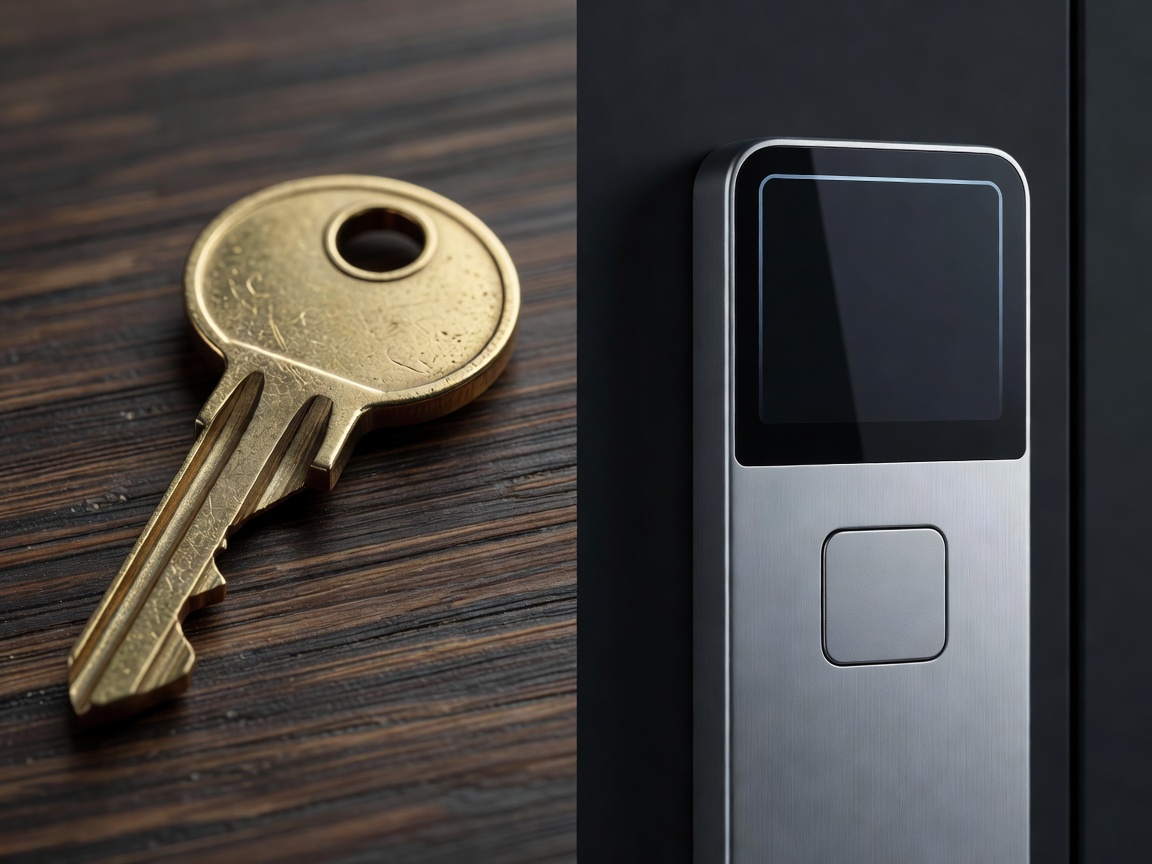
For decades, the standard single-cylinder mechanical deadbolt has been the cornerstone of residential security. Operating on a simple pin-and-tumbler system, it requires a physical key to align the pins and throw the bolt. In recent years, however, electronic and smart locks have surged in popularity, promising a frictionless entry experience. Deciding between a smart lock and a traditional deadbolt requires evaluating your security needs, lifestyle, and technical comfort level.
Physical Security and Grading
A common misconception is that electronic locks are inherently less physically secure than mechanical counterparts. In reality, the physical strength of any lock—smart or traditional—is measured by the American National Standards Institute (ANSI) and the Builders Hardware Manufacturers Association (BHMA). These institutions grade hardware from Grade 3 (basic residential) up to Grade 1 (highest commercial standard).
Many premium smart locks boast ANSI/BHMA Grade 1 certification, meaning their internal strike plate, bolt strength, and cylinder are just as robust against brute force attacks (like kicking or drilling) as high-end traditional deadbolts. The primary difference lies in the deployment mechanism: a traditional lock uses the rotational force of your hand, while a smart lock uses a battery-powered motorized actuator.
The Convenience Factor
The core value proposition of a smart lock is convenience. With a traditional deadbolt, entry is binary: you either have the physical key, or you don't. If you need to grant access to a dog walker, contractor, or family member, you must physically hand them a key or hide one under a rock—a severe security risk.
Smart locks democratize access control. Homeowners can issue temporary digital keys or time-bound PIN codes. This means you can allow a cleaning service to enter your home only between 1:00 PM and 3:00 PM on Tuesdays. Furthermore, many electronic locks feature auto-locking mechanisms. If you routinely forget to lock the door behind you, an integrated sensor can detect when the door closes and automatically deploy the bolt.
Vulnerabilities: Digital vs Physical
Traditional locks are susceptible to physical bypass methods such as lock picking and lock bumping. While high-security mechanical cylinders (utilizing sidebar mechanisms and security pins) mitigate these risks, they can be expensive and difficult to rekey.
Smart locks, particularly those connected to the internet, introduce a new attack vector: digital intrusion. While the wireless communication (BLE, Wi-Fi, Z-Wave) is heavily encrypted using AES-128 or AES-256 standards, vulnerabilities usually arise from poor user practices, such as weak account passwords or reusing credentials across smart home platforms. It is crucial to utilize two-factor authentication (2FA) on any app associated with home access.
Interestingly, some smart locks completely eliminate the external keyway, resulting in a smooth exterior faceplate. This renders physical picking and bumping impossible, though it does mandate a reliable backup power strategy, such as exterior 9V battery terminals to jump-start a dead unit.
Reliability and Maintenance
A mechanical deadbolt has an incredibly long lifespan. With occasional lubrication, it will function predictably for decades regardless of power outages or internet disruptions. Smart locks inherently require more maintenance. The batteries driving the motorized actuator generally need replacing every 3 to 12 months, depending on usage frequency and the wireless protocol employed.
Additionally, smart locks require a door that is properly aligned. A human turning a key can instinctively push or pull the door slightly to overcome weatherstripping friction and align the deadbolt with the strike plate. A smart lock motor cannot; if there is significant friction, the lock will register a "jam" and fail to secure the home. Thus, installing an electronic lock often requires fine-tuning the door's physical hinges and strike plate.
Cost Comparison
| Feature Category | Traditional Deadbolt | Smart Lock |
|---|---|---|
| Initial Hardware Cost | Lower (typically $20 - $80) | Higher (typically $100 - $300+) |
| Installation Complexity | Low (Basic tools required) | Moderate (Door alignment critical) |
| Ongoing Costs | None (Occasional key duplication) | Battery replacements, optional subscriptions |
| Access Management | Physical key exchange | Digital codes, App access, Biometrics |
Conclusion
The choice between a smart lock and a traditional deadbolt isn't strictly about choosing "better" security; it's about choosing the right operational paradigm. If you prioritize absolute simplicity, zero maintenance, and lower upfront costs, a high-grade mechanical deadbolt remains an excellent choice. However, if your household juggles multiple schedules, frequent guests, and a desire to integrate access into a broader smart home ecosystem, the modern smart lock provides utility that a brass key simply cannot match.